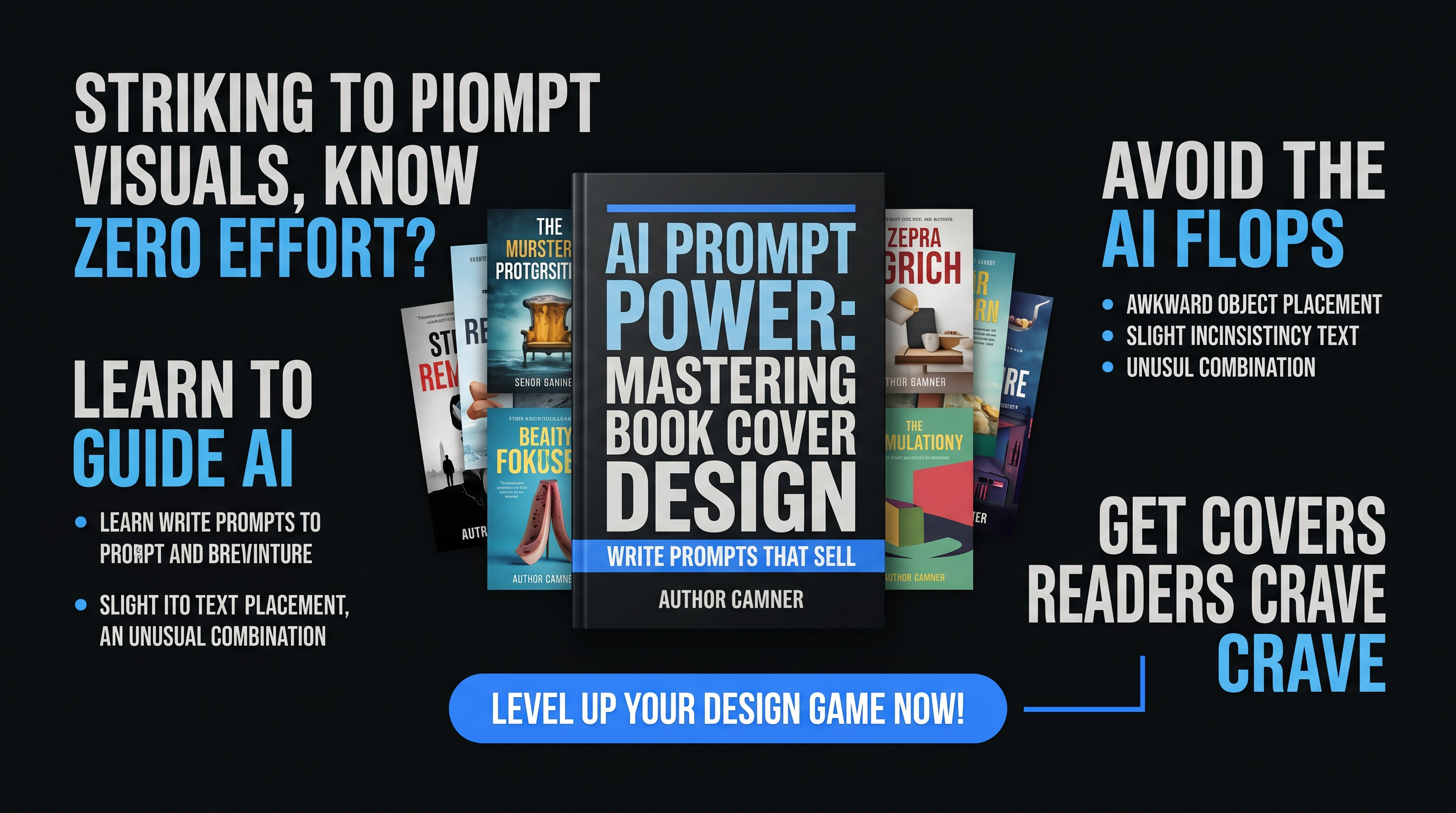
Fix AI eCover Fails: Warp Text, Clutter, Badges & More with ChatGPT Prompts
Picture this: You've crafted a killer ebook on passive income hacks, hit generate on your favorite AI book cover generator, and out pops a monstrosity. Text warps like melting wax. Fake gold badges plaster every corner. Clutter chokes the composition. The aspect ratio screams "thumbnail, not thumbnail." And it reeks of generic stock photo soup. Frustrating? Absolutely. Fixable? With razor-sharp ChatGPT prompts for book covers, yes.
As a self-published author or digital product creator, your eCover is prime real estate—first impressions seal sales. AI tools like Midjourney or DALL-E dazzle with speed, but default prompts breed disasters. This diagnostic guide arms you with proven techniques to conquer warped text, clutter, badges, ratios, and blandness in AI eCover design. We'll dissect each fail, deliver before-and-after prompt examples, and reveal templates you can copy-paste today.
Diagnose the Top AI eCover Fails
Before fixes, spot the culprits. Warped text happens when AI prioritizes art over legibility. Clutter erupts from vague "add elements" instructions. Fake badges? AI loves inventing credibility props. Wrong aspect ratios distort for print or web. Generic vibes stem from stock-image training data bleed.
- Warped Text: Letters stretch, curve, or pixelate.
- Cluttered Layouts: Too many competing visuals.
- Fake Badges: Bogus "#1 Bestseller" seals.
- Wrong Aspect Ratios: Squished or stretched for platforms like KDP.
- Generic Stock Vibes: Overused imagery, zero uniqueness.
The fix? Engineer prompts like a pro. Structure them: dimensions first, style second, elements third, text specs last, negatives always.
Fix 1: Straighten Warped Text in AI Cover Art
Before: Disaster Prompt
"Sci-fi book cover, futuristic city, title 'Quantum Leap'"
Result: Title bends around neon spires, unreadable at thumbnail size.
After: Precision Template
Template: "Generate a 1600x2560 pixel ebook cover for [genre] novel titled '[title]' by [author]. Render title in bold sans-serif font like Impact or Arial Black, perfectly straight, centered, massive and legible at small sizes, white with black outline. Background: [specific scene]. No distortions, crisp text overlay. --ar 1600:2560 --v 6"
Swap in details: sci-fi becomes "cyberpunk skyline at dusk." Text snaps into place, dominating cleanly.
Fix 2: Declutter for Pro eCover Design
Before:
"Fantasy cover with dragon, castle, magic, sword, title 'Dragonfire'"
Outcome: Visual pile-up, title lost in chaos.
After Template:
Template: "Minimalist [genre] ebook cover, 1600x2560, single focal element: [one key image, e.g., coiled dragon silhouette]. Vast negative space. Title '[title]' huge, elegant serif font, top third. Subtitle bottom. Author name subtle. Clean layout, high contrast, no clutter, no extra props. --ar 2:3"
Boom—breathing room elevates impact, like a bestseller thumbnail begging clicks.
Fix 3: Banish Fake Badges and 4: Nail Aspect Ratios
Badges Killer:
Template Add-On: "Absolutely no badges, seals, awards, or promotional graphics unless specified. Pure design only."
Ratio Lock:
Always Start With: "Exact dimensions 1600x2560 pixels for KDP ebook, portrait orientation, no cropping." For thumbnails: "--ar 1:1.6". Matches Amazon, Gumroad perfectly.
Fix 5: Ditch Generic Vibes with ebook cover prompts
Template: "Original [genre] cover art in style of [artist, e.g., Frank Frazetta], hyper-detailed, cinematic lighting, no stock photos, no clichés. Unique composition: [twist, e.g., dragon guarding quantum portal]. Vibrant yet moody palette."
Transforms cookie-cutter into custom stunner.
Level Up: AI Promo Toolkit eCover Studio
Manual prompting works, but why wrestle? The AI Promo Toolkit eCover Studio automates fixes with guided ChatGPT prompts for book covers. Input genre, title—get warp-free, clutter-proof designs in seconds. Pre-vetted templates handle ratios, ban badges, infuse originality. Tailored for authors and marketers, it spits pro AI cover art that converts. Ditch fails; launch winners.
Your Next Cover, Perfected
Armed with these AI eCover fixes, reclaim control. Test one template now—watch sales thumbnails transform. For effortless mastery, plug into AI Promo Toolkit. Your promo empire awaits, covers commanding attention.
